Tools for Managing Time and Schedules

I had intended to share my tips for managing time in yesterday’s Day in the Life post but… wait for it… I ran out of time.  HA!  So now that we all know that am far from an expert on this, let’s go.   :-)  I rely a lot on technology and a little on paper in managing my days.  Let’s start with the low tech.

Notebooks

I keep three small notebooks, each with different purposes.

1. Glass Slipper Concierge – I take notes on clients, trip info, their wishes, basically any convo we have.

2. Dixie Delights – I keep a monthly editorial calendar, notes on post ideas for the future, lists of posts I started writing and never finished, and then info on all the technical and behind the scenes stuff that comes with a blog.  There are also shop ideas in here as well.

3. Life in general – These are mostly lists and ideas.  So, grocery lists, Target lists, etc.  Party ideas when something pops into my head for a fun Christmas meal or birthday.  Household maintenance and improvement lists that could range from changing a lightbulb to re-keying broken locks (done!) to ideas for John’s room update.

I keep these three notebooks with me at almost all times, both in the car and at home.


Agendas for the Boys

I didn’t think to snap a pic before they left for the day, but both boys keep a paper agenda.  It is required by school and (most days) I help them to make sure it is updated.  I feel like knowing how to use an agenda is a skill that will serve them well and it will translate off paper should they ever decide to go electronic.

John is responsible for reading 8 teacher blogs each day and I have worked closely with him to guide him on what to write on what line on what day.  (For example, when we first started he read on a Monday that he had a project due on Wednesday of the following week.  He wrote it on Monday not realizing that when he flipped the page to the next week that note would be lost.)  Whit’s teacher helps them fill their agenda out each day at school.

I am also helping both boys take these paper agendas beyond school to also include things like lacrosse, baseball and youth groups to give a total picture of their day and week. (John also has our family iCalendar on his device, but that is just for appointments, not school work.)

To Do App

The ToDo App has been my favorite since I first got a smart phone 8 years ago.  If it doesn’t go on this list, it doesn’t happen.  I check this as soon as my eyes crack open to assess my day.

Some things just immediately get moved to the next day.  Do you remember that laundry I started on Tuesday?  It’s Thursday and the sheets have finally made it out of the dryer but are still not folded.  Ironing? That’s been moved to the next day for about a week.  HA!

Key dates and items that I need to handle for clients traveling to Disney get a star, just so I don’t overlook them.

Every.single.thing I need to do in a day goes here.  Even something like water the ferns or sweep out the garage.

You can make things recurring, add notes, locations and alarms in the app as well.


Family iCalendar

We use a family calendar to keep everyone straight on everything that happens in a day.  The items in blue are my personal appointments, and the items in green (hard to see) are my work appointments.  The purple is John and the yellow is Whit.  When I add or update an appointment I choose whether it goes to just me or to the family.  We’ve tried wall calendars and chalkboard calendars and dry erase calendars, but in a connected world we are never more than an arms reach of our phone so this ultimately works best for us.

Alarms

I am the worst about getting deep into something and forgetting what time it is.  I have set alarms for various things that happen frequently in my schedule.  You can label them, make them recurring and easily turn them on and off.  I also have the apple watch, so the alarms sound there as well.

Apple Watch

Speaking of the Apple Watch, Honey came home with it last year.  I’d never asked for one and really didn’t have any interest in them.  Well, once I learned how to use it I was hooked!  I could go in to all sorts of detail, but as far as staying organized, my favorite thing is how I configured my watch face.  The upper left corner tracks my activity for the day, the upper right tells me what day it is (because I never seem to know) and the bottom tells me my next appointment.  And, since I still am not good at analog time, I love that when I tap the face Minnie greets me and just tells me the time.  HA!

Google Drive

The last thing I love technology wise is our Google Drive.  I create files for various things and Honey is able to collaborate with me on them.  We mostly use for trips and budgets, but we have even done a Costco list since he is our primary shopper there.

Before I go, I thought I would also share links to two older posts.  I wrote the first one last year: 4 Tips for Back to School Organization

DSC_0098 copy copy

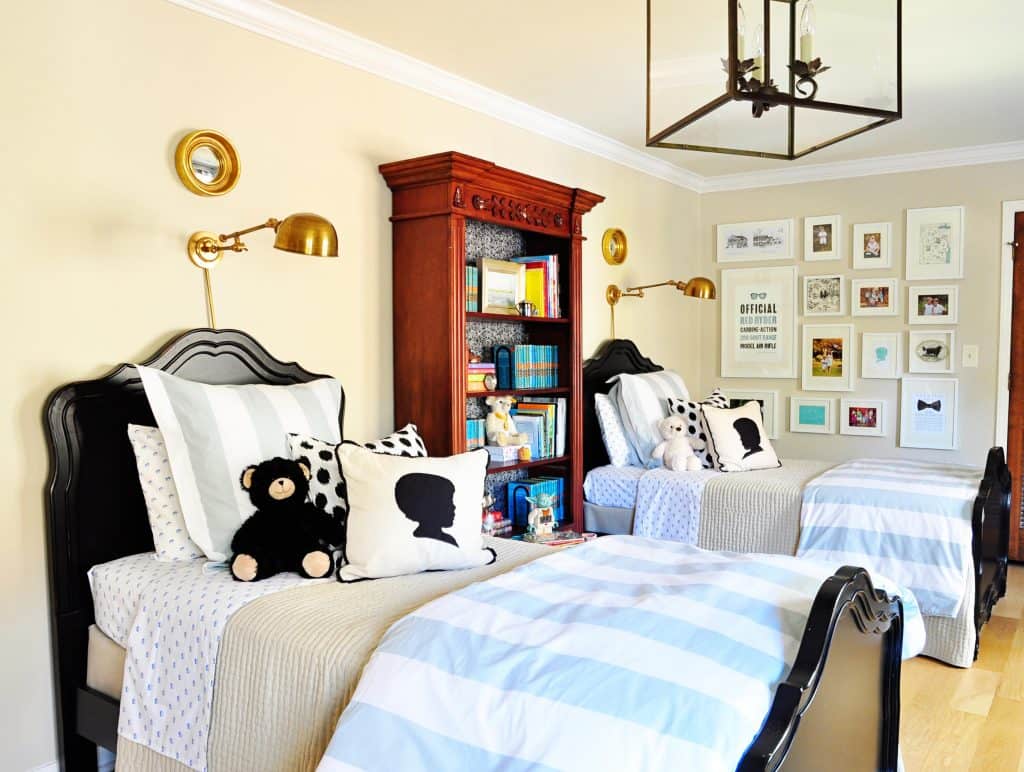
And a tour of our Family Office

DSC_0528 copy

If you have any favorite tips, tricks or tools that you use to stay organized, feel free to share in the comments!

signature

DIXIE DELIGHTS DELIVERED
[madmimi id=246857]

| Filed under Uncategorized | Tags: ,